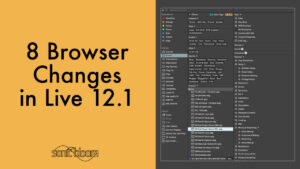
8 Browser Changes in Live 12.1 You Can’t Miss!
Ableton Live 12 saw a complete overhaul of the browser. In Live 12.1, more changes and improvements were added. In this tutorial video, we’ll take a look at all of them.

Ableton Live 12 saw a complete overhaul of the browser. In Live 12.1, more changes and improvements were added. In this tutorial video, we’ll take a look at all of them.
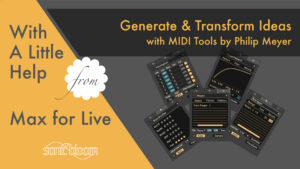
With the release of Live 12.1, Ableton has come out with two new and free Max for Live packs. One is called Sequencers, which contains three interesting and useful step sequencers, and the other is called MIDI Tools by Philip
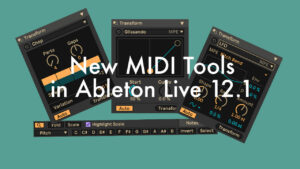
Ableton Live 12.1 update adds new MIDI tools: Chop, Glissando, LFO, plus Filter and Select functions for MIDI clips. Watch the tutorial to learn more.
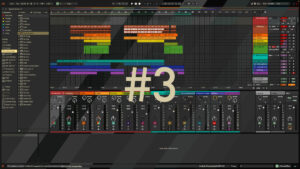
The free Ableton Live 12 Theme Set No. 3 contains 12 themes for Ableton Live 12. Two brand new ones as well as ten remixed ones. They’re all dark grey with pops of colour, perfect for the darker seasons.
Learn how to work with different tuning systems in Ableton Live in this video tutorial. How to load, adjust or remove them. What changes when loading a tuning, where to find more and how to create your own.
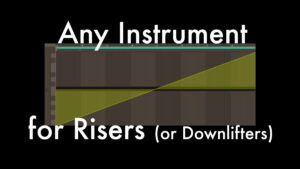
In this video tutorial, we’ll look at a quick and easy way to create continuously rising tones, also known as risers. These can be achieved with any instrument in Ableton Live, giving you a wide range of sonic possibilities. We’ll also take a look at an osillator shape in Meld, which is specially designed for creating uplifters, downlifters and drones.
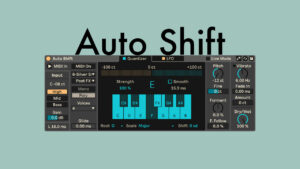
Available in all Live editions, Auto Shift is a new real-time monophonic pitch tracking and correction audio effect with formant shifting. Although it can be used with any other monophonic signal, working with vocals is where its design really shines.
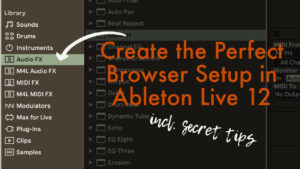
Here’s how I use Ableton Live 12’s browser to my advantage including lots of tips and tricks on how you can do the same.
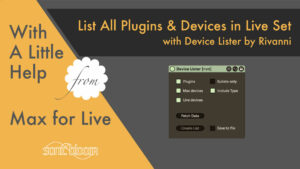
With the free Max for Live audio effect Device Lister you can easily create a text file that lists all the plug-ins, Max for Live devices and/or Live devices used in your Live Set.
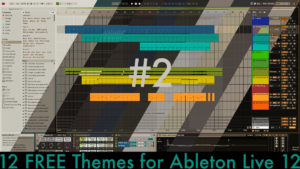
The Free Ableton Live 12 Theme Set No. 1 contains 12 themes, six of which are brand new, the others are previously released themes that I have remixed. They’re all in a retro style with tinted backgrounds. They range from very light to very dark, so hopefully you’ll find something to your taste.
Explore all new Ableton Live 12 shortcuts for clips, covering both audio and MIDI clips, plus additional shortcuts exclusive to MIDI clips.
This video tutorial covers all new shortcuts in Ableton Live 12 except for clips. Download the free PDF cheat sheet as well.




