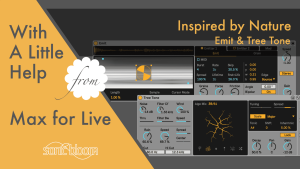
Free Inspired by Nature – Emit & Tree Tone (Max for Live)
Tutorial of Emit & Tree Tone: 2 free Max for Live instruments from Dillon Bastan’s Inspired by Nature pack for Ableton Live.

Tutorial of Emit & Tree Tone: 2 free Max for Live instruments from Dillon Bastan’s Inspired by Nature pack for Ableton Live.
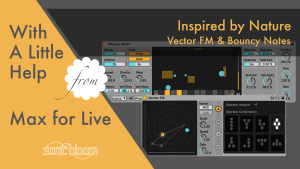
Discover Vector FM & Bouncy Notes from Dillon Bastan’s free Inspired by Nature pack—an FM synth and gravity-based sequencer for Ableton Live.
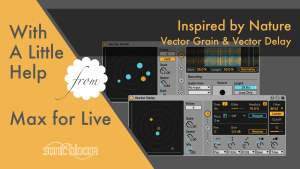
Learn to use Vector Grain & Vector Delay from Dillon Bastan’s Inspired by Nature pack, free granular looper and multitap delay.
The feature I’ve got for you in this new tutorial of the Ableton Live Insider Tips video series isn’t something you accidentally discover without reading about it in the manual or having someone else show it. Did you know that
In this new episode of the Ableton Live Quick Tips I show you how you can quickly create a new MIDI clip of desired length and position in the Arrangement View. English Version: Deutsche Version: If you’ve got something to
The Capture feature was added in Live 10, that creates a MIDI clip with the notes we’d played before without having to have pressed record. A very useful addition I find. How often have you been jamming something perfect, but
Learn how to set custom install locations for individual Live Packs in Ableton Live. Handy for managing space across internal and external drives.
I hadn’t realised how much time had passed since my last video in the series “With a Little Help from Max for Live”. So here’s a long overdue new one, a kind of special edition, in which I introduce you
Most Ableton Live users don’t know that Operator allows you to create and export oscillator waveforms that can then be used in Simpler, Sampler or even Wavetable for sound design purposes. In this latest episode of the Ableton Live Insider
It’s always good to use shortcuts as they can be real time savers and enable better and faster workflows. The following shortcuts are all about showing, hiding or switching between different views in Ableton Live. They’re essential for anyone who
In this episode of the Ableton Live Quick Tips I show you a feature that was added in Live 10.1 that can be a real time saver when working in the Arrangement View. It allows you to slide the waveform
Use this trick with the External Audio Effect in Live to render in real-time and spot CPU dropouts or disk overloads when exporting.