Sleek Macro Variation Transitions in Ableton Live (M4L)
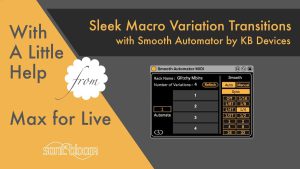
Explore Smooth Automator by KB Devices, a free Max for Live tool for smooth transitions and automation between macro variations in Ableton Live.

Explore Smooth Automator by KB Devices, a free Max for Live tool for smooth transitions and automation between macro variations in Ableton Live.

It’s time for a new episode of the Ableton Live Insider Tips. This time I’ve got two tricks for you concerning the creation and adjustment of MIDI notes in the Clip View of MIDI clips. Both are useful for improving

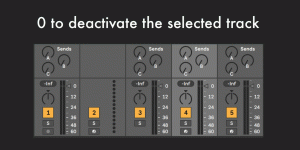
This post continues the shortcuts series that collates the individual shortcut videos from Instagram in an easy overview of animated GIFs for you. This time we’re looking at the various shortcuts for working with tracks. The first three are for

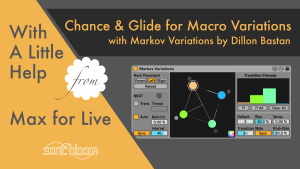
Markov Variations by Dillon Bastan lets you smoothly or randomly transition between macro variations in Ableton Live. Versatile & beautifully designed.

This time I’ve got an Ableton Live Quick Tip for Live 11 (and up). It’s not a new feature that I’m showing you in the video, but one that was moved and might be a bit hard to find. Perhaps

Learn how to restore the simpler Live 10 audio effect browser view in Live 11 & up. Quicker access without the new category folders slowing you down.

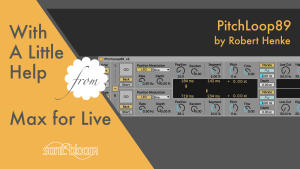
Last, but most certainly not least, in this fourth part of the mini series within With a Little Help from Max for Live we’re taking a look at PitchLoop89. The Max for Live audio effect was developed in collaboration with

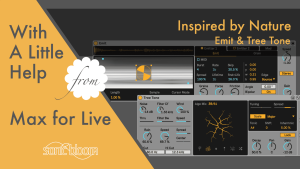
Tutorial of Emit & Tree Tone: 2 free Max for Live instruments from Dillon Bastan’s Inspired by Nature pack for Ableton Live.

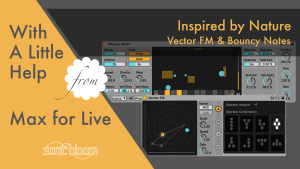
Discover Vector FM & Bouncy Notes from Dillon Bastan’s free Inspired by Nature pack—an FM synth and gravity-based sequencer for Ableton Live.

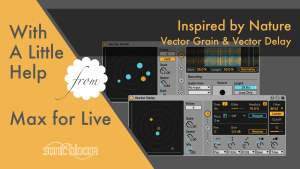
Learn to use Vector Grain & Vector Delay from Dillon Bastan’s Inspired by Nature pack, free granular looper and multitap delay.

The feature I’ve got for you in this new tutorial of the Ableton Live Insider Tips video series isn’t something you accidentally discover without reading about it in the manual or having someone else show it. Did you know that

In this new episode of the Ableton Live Quick Tips I show you how you can quickly create a new MIDI clip of desired length and position in the Arrangement View. English Version: Deutsche Version: If you’ve got something to
Search
Stay in Touch
Latest Releases
New: