Using Extremes for Better Mixing
Sometimes, especially when we’ve been working on a song or track for a long time, it can be hard to tell if a sound is too loud or too quiet in the mix. Or if an effect is too intense

Sometimes, especially when we’ve been working on a song or track for a long time, it can be hard to tell if a sound is too loud or too quiet in the mix. Or if an effect is too intense
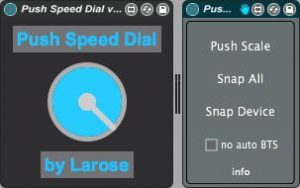
This time, I’ve got two interesting Max for Live for Push devices to tell you about. Both ‘Push Speed Dial’ & ‘Push Snap n Scale’ enhance the features of Ableton Push in exciting new ways for both studio and stage.
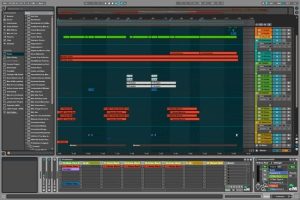
While Ableton has added the option to have Live open in two windows a while back, this only really helps when you have a dual monitor setup. EraserMice went one step further with his Max for Live Pack ProSession which

Take one thing out.
Prompts or constraints to foster creativity.
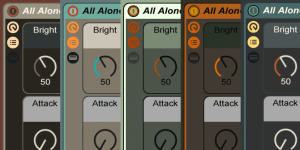
It’s spring, so high time for some fresh new looks. Yes, this means, there are five new skins for Ableton Live. No greys this time around, but mostly discreet, retro colours. The skins are optimised for Live 9, but will
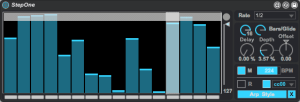
If you ever wanted to be able to step sequence any parameter in Live, have a look at StepOne. If it looks familiar, that’s because it is based on the Arp One by Max for Cats as well as some
With the help of MIDI controllers you can change a parameter really quickly, but if you would like to omit certain values? This is where the Max for Live MIDI effect Value Blocker by J Garcia comes in handy.
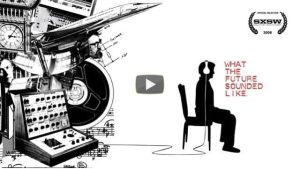
Time for some history lessons. Don’t worry, not the boring kind. Here are three great music documentaries about the history of electronic music and the music technology that often was a key to new genres developing. Enjoy!
Make use of the Notes Box functions in MIDI clips.
Prompts or constraints to foster creativity.
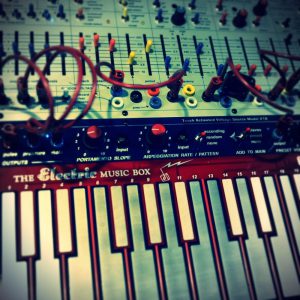
EaselWeasel 3 offers three macro-mapped Instrument Racks for Ableton Live 9 and up, from sci-fi synth sounds to morse code effects.
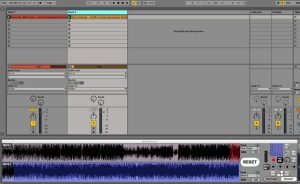
This new and also free Max for Live device by Tom Cosm does exactly what its names indicates. It allows you to display two waveforms at the same time. Something, a lot of people DJing with Ableton Live have always
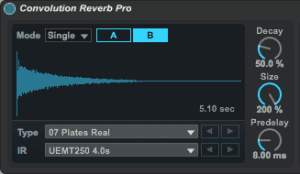
With the Live 9 Suite you get Max for Live and with it, the Convolution Reverb. I think it’s a great addition, although personally I would love to see the Reverb improved to achieve better results when used on vocals