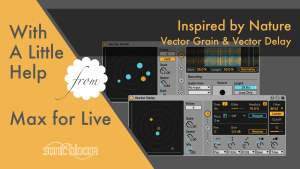
Free Inspired by Nature – Vector Grain & Vector Delay (M4L)
Learn to use Vector Grain & Vector Delay from Dillon Bastan’s Inspired by Nature pack, free granular looper and multitap delay.

Learn to use Vector Grain & Vector Delay from Dillon Bastan’s Inspired by Nature pack, free granular looper and multitap delay.

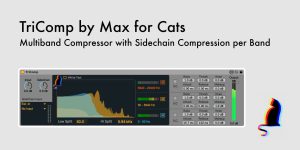
This latest Max for Cats release coincides with Charlie’s birthday, my cat who inspired the name. TriComp is a Max for Live multiband compressor that allows for flexible sidechaining of the three variable frequency bands individually. This gives you more

I hadn’t realised how much time had passed since my last video in the series “With a Little Help from Max for Live”. So here’s a long overdue new one, a kind of special edition, in which I introduce you

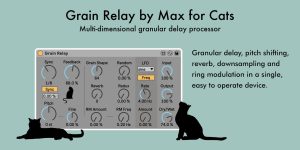
Christian Kleine aka Max for Cats has been at it again. This time he has a fantastic granular delay processor for us. It’s called Grain Relay and unites grain delay, pitch shifting, reverb, downsampling and modulation in a one, easy

Use this trick with the External Audio Effect in Live to render in real-time and spot CPU dropouts or disk overloads when exporting.

Some effects can add latency to the track they’re located on, like compressors or limiters. In this video in the Ableton Live Quick Tips tutorial series I’ll show you how you can check the amount of latency an effect adds

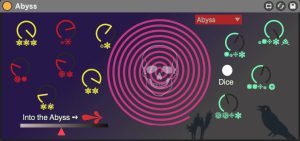
Abyss is a Max for Live device, which lets you forward any input signal into the abyss. The result is an ominous, gory and hellish version of your original input signal. Use with extrem caution and only if you have

Load Set Simple lets you trigger the next Live Set via MIDI and overrides the pop up. Ideal and time saving for song-based ive sets.

This video concludes the introductory mini series on live performance within With a Little Help from Max for Live, although I intend to share more Max for Live devices and tips on this topic for the foreseeable future since I’m

In this episode of the new tutorial series “With a little help from Max for Live” we’re going to make use of the Buffer Shuffler that is part of the free Max for Live Essentials Pack to create an audio

I’m back with another tutorial in the new video series called “With a little help from Max for Live”. This time I show you how to use two Max for Live devices from the free Max for Live Essentials Pack,

After a long wait, the 10.1 version of Ableton Live was finally released today and is available as a free auto-update if you’ve got the feature enable or to download from your user accounts. This update brings a host of
Search
Stay in Touch
Latest Releases
Sign up to the monthly newsletter for the latest on the Sonic Bloom blog as well as regular discounts.
Features 28 powerful mid/side audio effect racks for Ableton Live 12.2, each with 10 variations. From precise control in mixing to instantly giving more interest to basic sounds.