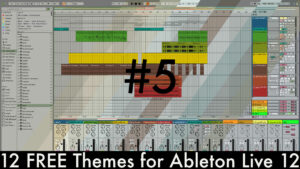
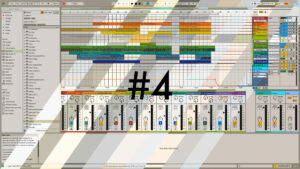
Having created a variety of theme sets for Ableton Live 12, I’m back with a dark and moody one this time. While Live users have very different preferences, many opt for dark themes. This is likely because they’re easier on the eyes and sleep cycle when working on music after dark.
Ableton Live 12 Theme Set No. 5 contains 12 themes for Live 12 (Lite to Suite). This theme set is all about dark greys, half neutral and half tinted grey tones, with different colours for the controls. This time, there are six reworked themes from earlier versions of Live and six brand new ones.
The Ableton Live Theme Set No. 6 contains the following themes: Achat, Aubergine, Azure, Coral (new), Crimson (new), Darkness, Davy, Elephant, Indigo (new), Sage (new), Spikecap (new), and Walnut (new).
Watch the Video to See them in Action:
IMPORTANT: If the button does not open an overlay when clicked, right-click it and select ‘Open Link…’ to access the download.

If you enjoy my work, I would be grateful for a small donation. Otherwise, just add a zero to the price field. Gumroad may not offer PayPal as a payment method, but you can donate via PayPal using the link above. Thank you very much!
Please note that the themes will only work in Live 12 Lite to Suite and above. In Live 11 and earlier versions, they will simply revert to the default theme.
You can also download all my free themes for Live 11, or for Live 10. You can also still or even the Live 9 skins. If you don’t know how to install them, check out this tutorial. And if you want to create your own themes, I’ve got a tutorial for that too.
It’s always great to know which themes are the most popular, so please let me know your favourite once you have downloaded them. That way, I’ll know what you all want and can create it.