Default Presets for Audio to MIDI in Ableton Live (Video 5)

This tutorial is part five of a new mini series about the Default Presets in Ableton Live and how they can improve your workflow. This last video deals with the default presets for the three audio to MIDI function – Drums to MIDI, Harmony to MIDI and Melody to MIDI.

English Version:

Deutsche Version:

Any questions or comments? Don’t be shy. 🙂

More Ableton Live Insider Tips.

Share this article!

You May Also Like:

One Response

Leave a Reply

Your email address will not be published. Required fields are marked *

This site uses Akismet to reduce spam. Learn how your comment data is processed.

Black Sale

30% Off Everything with code: black2025

Sale Ends

Days
Hours
Minutes
Seconds

Modulators Plus v1.1 Update Out Now

    New:

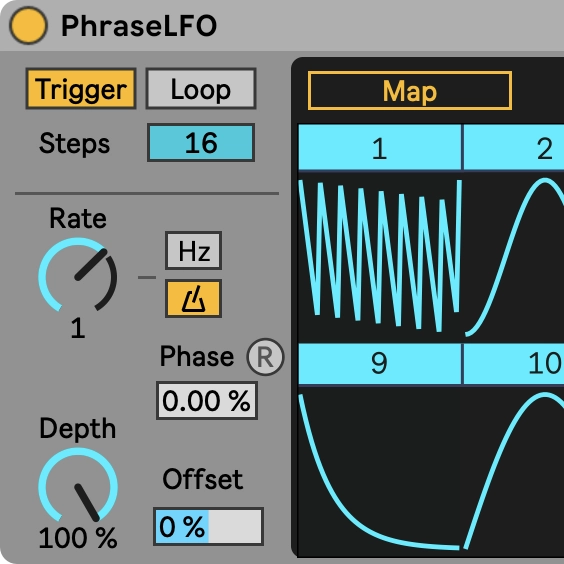
    • PhraseLFO: new LFO step sequencer
    • CV out in 10 out of 12