It’s been a while since my last video in the “With a Little Help from Max for Live” series, and new Max for Live devices are continuously being released, some of them for free. I’ve checked out the recently released free devices and will show you my six favourites. Most of them have a fairly limited feature set, but they are still incredibly useful.
Watch the Video:
Drift Mapper by Rivanni
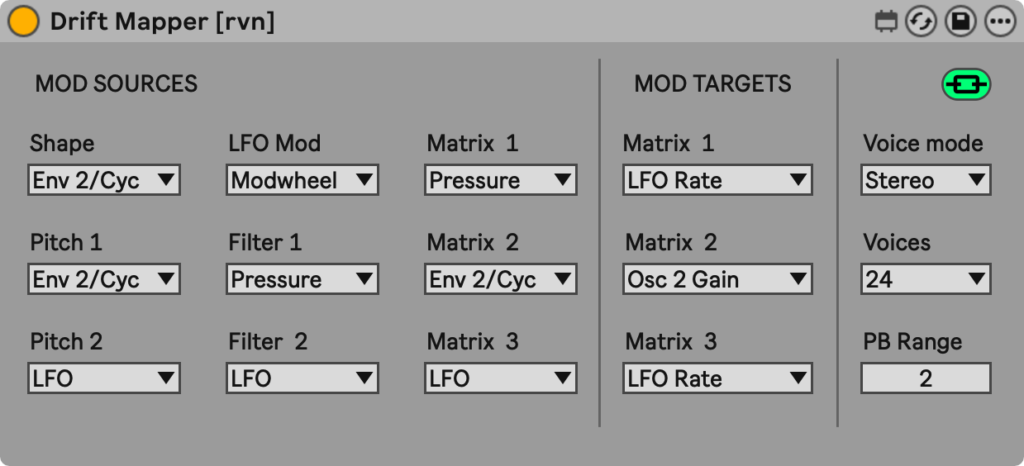
As the name already suggests, this free Max for Live audio effect allows the mapping of parameters in Drift that aren’t natively mappable within Drift itself. These parameters include modulation sources and targets, as well as a few other parameters, which through Drift Mapper become MIDI or key mappable as well. It needs to sit to the right of a Drift instance to work.
Group Racks Switch by Proofeek
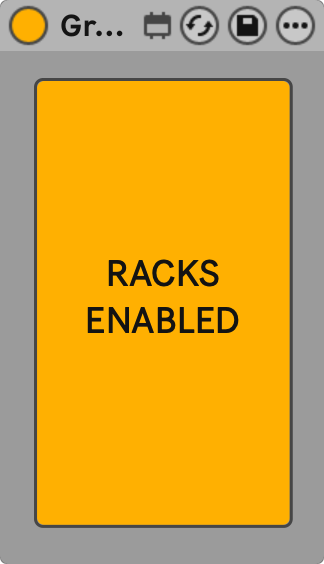
This device allows you to turn off or on all racks in all tracks in a group track, including all subgroups. This is most useful in a live performance context. However, it might also come in handy when you need to free computer resources. It works for Instrument Racks, Audio Effect Racks, and MIDI Effect Racks, but not Drum Racks.
Download Group Racks Switch
Randomizer by LiveWorkflowTools
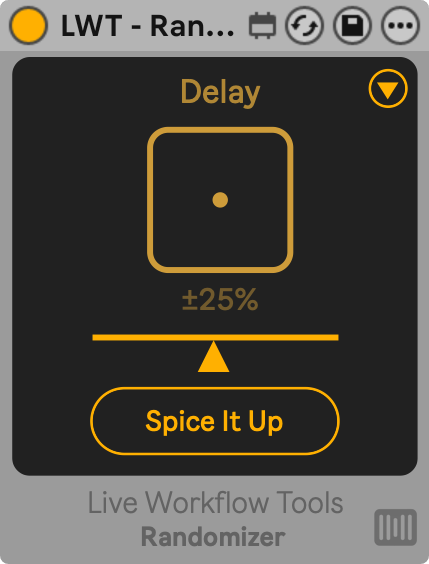
Place it after any instrument or any audio or MIDI effect. Hit the Dice button to generate a completely new preset with one click. You can adjust the deviation range with a slider and choose exactly which parameters will be affected. Certain parameters are excluded automatically to make the randomised preset more likely to be useful.
Download Randomizer
MIDIPrint by Warf
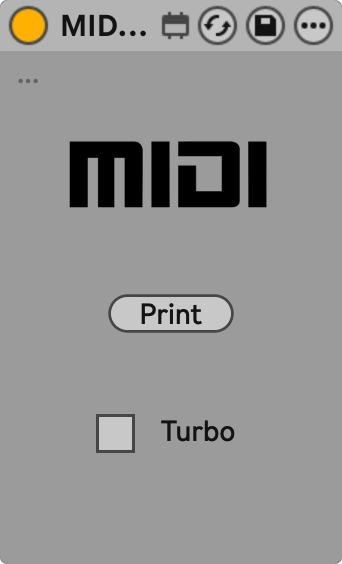
This Max for Live MIDI effect is basically MIDI bounce to a new track for the currently playing clip in Session View. Clicking the Print button creates a new MIDI track to the right, automatically arms it, sets the routing, and records the output of the MIDI track, including all MIDI effects, to this new MIDI track. Activating the Turbo mode speeds up the bouncing, while in normal mode it happens in real time.
Tempo Drop by EduardFeist
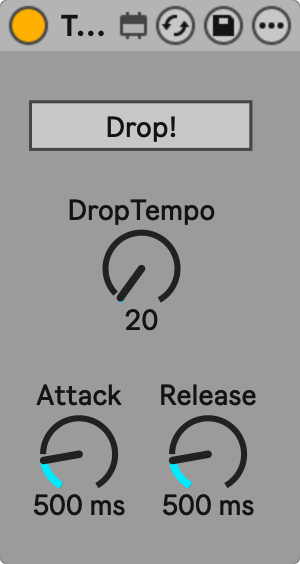
This Max for Live audio effect lets you create a smooth transition to and from a set tempo. Additionally, to the BPM to be reached, the times to reach the set or original tempo can be adjusted via the Attack and Release parameters, respectively.
Variation Transition by Maboroshy
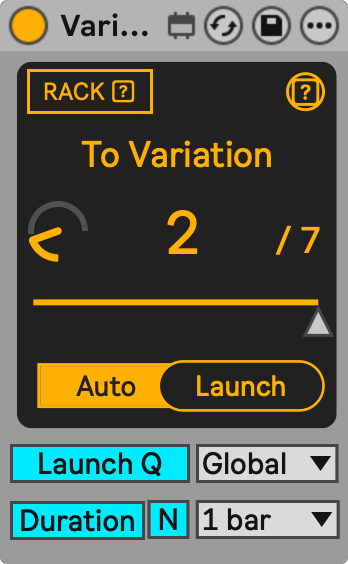
Variations Transition was inspired by Smooth Automator by KBDevices, which I’d already made a video about, and allows for smooth transitions between different macro variations within racks. It comes in two versions: a Max for Live MIDI effect for MIDI Effect Racks and Instrument Racks, and a Max for Live audio effect for Audio Effect Racks.
Let me know which one of the devices is your favourite, or if there’s another free one you discovered recently and would love to share. Please note that the devices are made by others. I only highlight their existence and usefulness here.